Skip to content

AI images and video on your Mac. No subscription.

Nano Prompt Studio runs on API keys you own: Gemini to start, Claude and the video engines when you want them. Buy the app once, then pay the providers only for what you actually generate.

Nano Prompt Studio 2.1.5
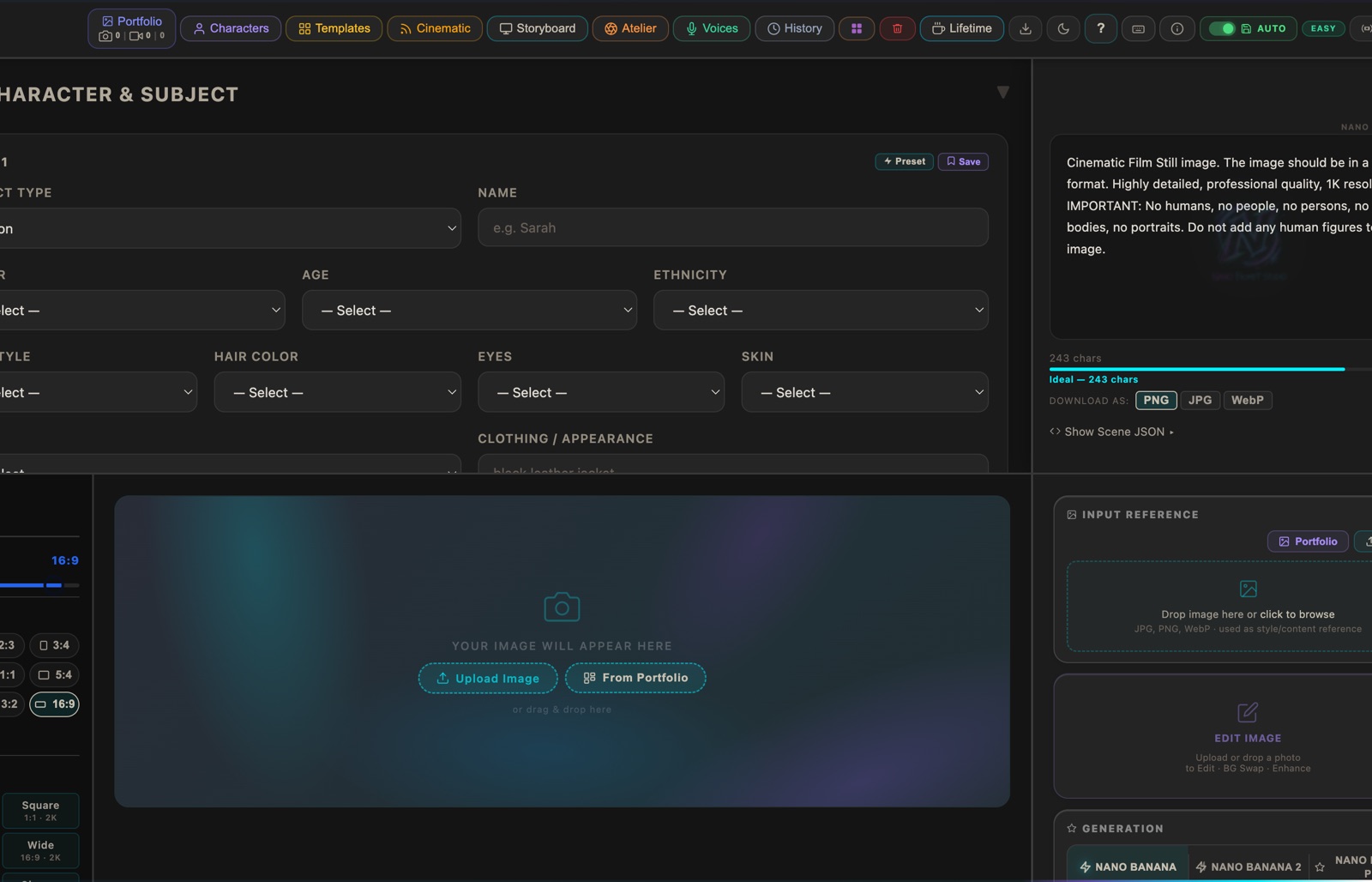
The Nano Prompt Studio window: prompt fields on the left, generated frames on the right

Watch the 10 minute walkthrough

Once, not per month. No account, no subscription. Your API keys stay on your Mac.

Built in Munich by Muhlis Karaca, 17 years in German television: Aktenzeichen XY (ZDF), Hubert ohne Staller (ARD), Dahoam is Dahoam (BR)

What it costs, all of it.

One price for the app, and the provider prices you would pay anyway. Nothing is routed through me, so there is nothing for me to mark up.

9,99 € Once, not per month

Mac App Store Free download, unlock 9,99 € in the app

Direct download 9,99 €, DMG for Apple Silicon

Updates Included, no renewal

One image, Nano Banana (2.5 Flash), 1024 px$0.039
One image, Nano Banana Pro, up to 2K$0.134
Eight seconds of video, Veo 3.1 Fast, 1080p$0.96

Google list prices in US dollars, read on 24 August 2026 at ai.google.dev. A Gemini key is free to obtain at Google AI Studio, but image and video generation run on the paid tier, so you switch billing on once and then pay per generation. Kling, MiniMax, WAN and Grok take a key of their own and bill you directly, and Veo runs on the Gemini key you already have. Seedance is the exception: it has no direct key and runs through the bundle providers kie.ai or fal.ai, who set their own prices and sell credit up front. For that one engine, someone does sit between you and the provider. For every other one the money goes from you to them, never through me, so there is nothing for me to mark up.

An evening in round numbers: forty images and three finished eight second clips comes to about 4,50 dollars. Count three attempts per clip, which is the normal case, and it is about ten. Google bills in dollars, so what lands on your card depends on the rate of the day.

A subscription bills you every month, whether you open it or not. This bills you once.

See it run.

Ten minutes, from pasting your first API key to the first finished clip. No cuts around the awkward parts.

Walkthrough · 10 min

Thumbnail from the walkthrough. The sample images in it are AI generated.

The same thing in writing, if you would rather not watch ten minutes
  1. Paste your Gemini key. It goes into the macOS Keychain on your machine and nowhere else.
  2. Pick a template. One click fills art style, lighting, camera and prompt together.
  3. Describe the subject, or drop in a reference image the result should follow.
  4. Generate. The finished image lands in a portfolio folder on your own disk.
  5. Hand that image to the video side, choose an engine and a motion style, make a clip.
  6. Export. None of it passed through a server of mine.
  • 6 video enginesKling, Seedance, WAN, Veo, Grok, MiniMax
  • 10 aspect ratiosFrom 9:16 to 21:9, cinema included
  • 10 style templatesPlus 16 motion styles for the video side
  • macOS 12 or laterApple Silicon, M1 and up

Who built it.

Muhlis Karaca, Munich.

17 years in German television, directing and first AD. I built this because I wanted the camera language of a set inside the tool, not a prompt box.

One developer, currently at version 2.1.5. The app runs on your machine with your keys, so the copy you bought keeps working, whatever happens to me.

Get it.

macOS 12 or later, Apple Silicon. No account is made, nothing is uploaded to me, and the version you bought keeps running without any server of mine.

9,99 € once. Both ways give you the same app.